


Disclosure: This post contains affiliate links, marked by an asterisk*. If you choose to make a purchase, I may receive a small commission at no extra cost to you. I only recommend products that I believe in.
I cannot stress enough the importance of high-quality photos for your website. Photos make up a large part of your website and your visitors will form an impression within seconds about what sort of a business you run, based on the visuals they see. If you have a successful business offering high-quality services and then pair this with some low-quality, mismatched images, you are doing your business a major disservice and will lose customers. They will lose trust in your business and will likely look elsewhere for other, more professional-looking businesses.
I highly recommend getting a professional photoshoot done of yourself, especially if you are a service-based business. People buy from people and your potential customers need to see you - it helps them to relate to you and trust you. As well as lots of photos of yourself, it is also good to get photos of your working environment and you at work (a mix of detailed close-up shots and wider shots). If you don’t have the budget for this yet, you could ask a friend with a good camera.
Look for locations with good lighting and simple backdrops without clutter.
Prepare several different outfits/changes of clothes, so there is some variety on your website.
Clear your workspace and remove all clutter and add a few choice props.
Have a look on Pinterest for inspiration (you can see some ideas on my Personal branding photoshoot ideas board) and make a list of shots you need - this will help on the day of the photoshoot. It is good to get a mix of portrait format and landscape format for different areas of your website.




In addition to photos of yourself and your environment, you will also likely need other photos to represent your clients, as aspirational shots, and to use as backgrounds, and filler shots, for example. Stock photos are a good option for this when chosen well.

Look for collections from the same photographer, usually taken at the same time. These will all have a consistent look and feel and similar lighting and editing. Good quality stock photo sites will allow you to browse photos from the same series/collection, by the same photographer, as well as “similar photos” that could be taken by other photographers.
Look for similar styles (for example: muted tones or bright colours, or lots of white space).
Look for a match with your brand (for example: search for your brand colour(s), choose either warm or cool tones, look for photos that match the mood/feeling you want to convey).
Keep your audience in mind when choosing photos, and ask yourself if they would relate to the images you are choosing.
Match the style and tones of the stock photos to your personal branding photos. If you have photos of yourself on your website, you’ll want the stock photos to feel aligned in terms of colours and space and feel.
Look for a mix of portrait format and landscape format images, and choose some that have space or a blurred background for text overlay (these are useful for ‘hero’ sections for your headers).
Think about what you will need to use images for, including outside your website. Make a list and think about what size/format would best suit them. For example: blog posts, Pinterest covers, social media posts, email newsletters, flyers, lead magnets, document covers for digital products, etc.
If the stock photo website allows, create a “saved collection” or save “favourites”, so you can save images as you go and then review them altogether at the end before you decide what to purchase or download.
Decide whether you will have an ongoing need for new photos, in which case it might make sense to look at a subscription-based model, rather than just one-off purchases.
Whilst there are now several good free stock photo websites (see below for options), there are some limitations with using free stock photos:
Over-used photos: you will likely find the same photos on lots of other websites.
Mis-matched photos: it is also harder to find collections of photos from the same photographer, so you often end up with photos taken by lots of different photographers in lots of different styles, all edited differently, that don’t sit together well.
Poorer selection: It can also be hard to find the right match for the feeling/style you are trying to convey - you are more likely to find stronger matches on the paid stock photo sites, which have a better selection to choose from.
It will take you much longer: you are also likely to spend a LOT of time searching. When time is money, you could save a lot by taking out a subscription to one of the paid stock photo sites listed below, which have much better image discoverability options.
Pexels
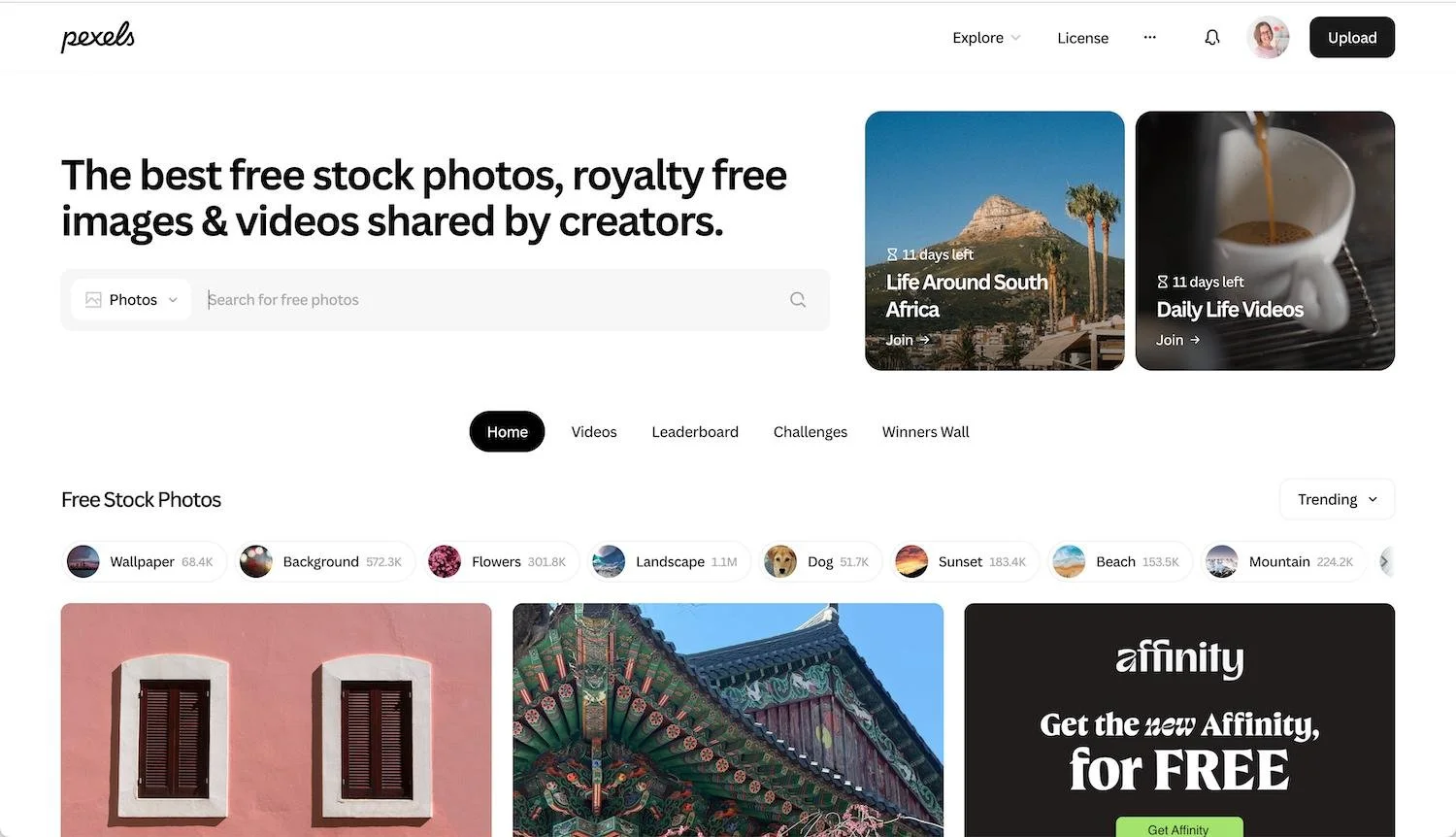
Pexels is my favourite of all the free stock photo sites, with a really good range of images (the images used in this blog post were all sourced from Pexels). You can create saved “Collections” to save images as you browse. You can also easily edit images in Canva with one click. When you view an image, it will show you lots of similar images below and suggest related keyword searches. By default it will download the largest original file size, but you can also opt to download other smaller sizes and can even input a custom size to download, which is really useful and can save you a job later on.
Unsplash
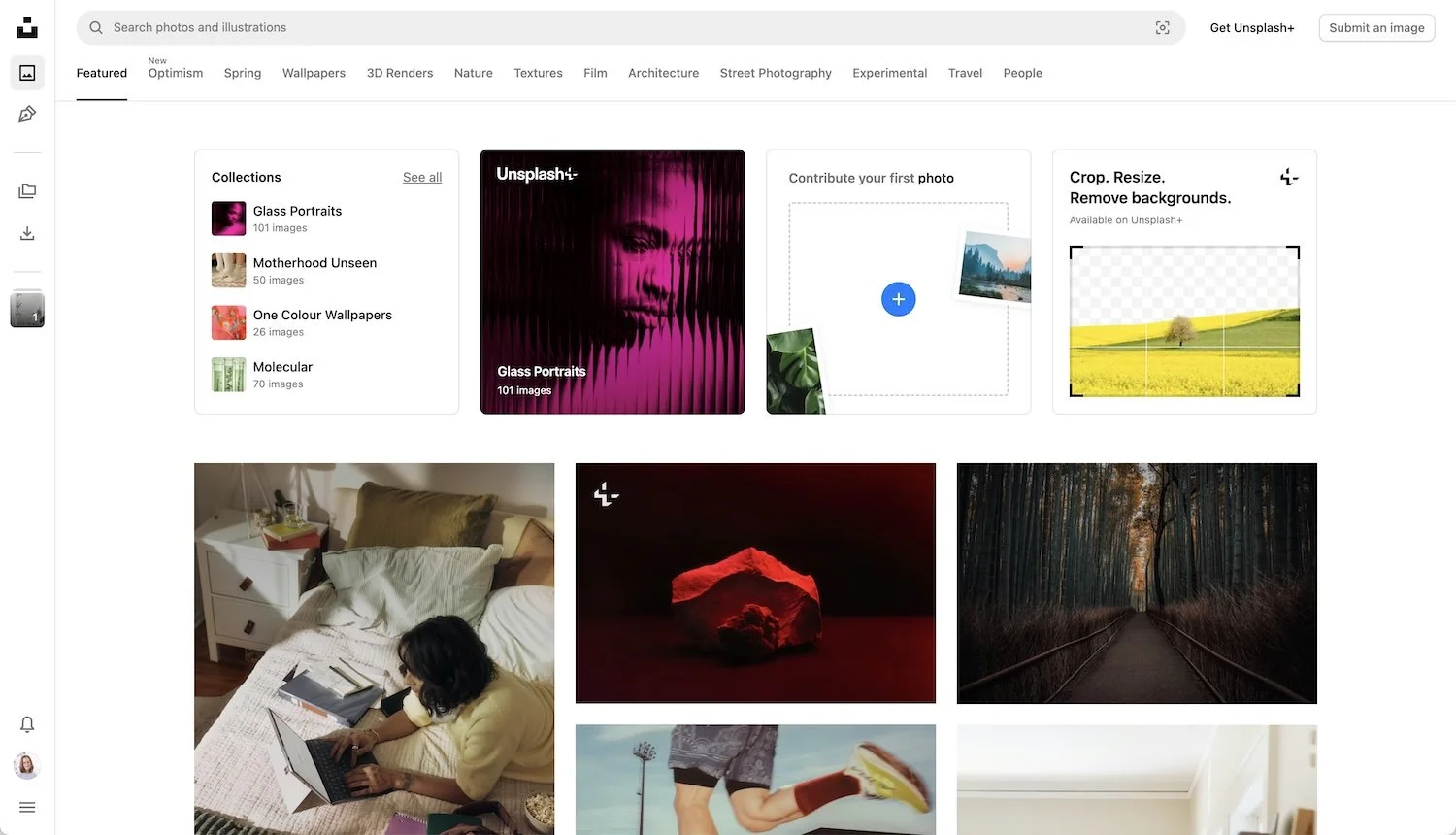
Unsplash is probably the best known free stock photo site and has over 6 million photos and illustrations. You can also create collections and save images as you browse, either to one of your collections or you can just bookmark them. When viewing an image, you can also see similar images below, as well as browsable related keywords. You can also choose to download different image sizes, although there is no option to input a custom size for downloading. In addition, some of the images belong to the Unsplash+ collection, which you have to pay for (£84 per year in May 2026); this also gives you access to their editing tools for cropping, resizing and removing the background, as well as the ability to download all images from a collection in one go.
Pixabay
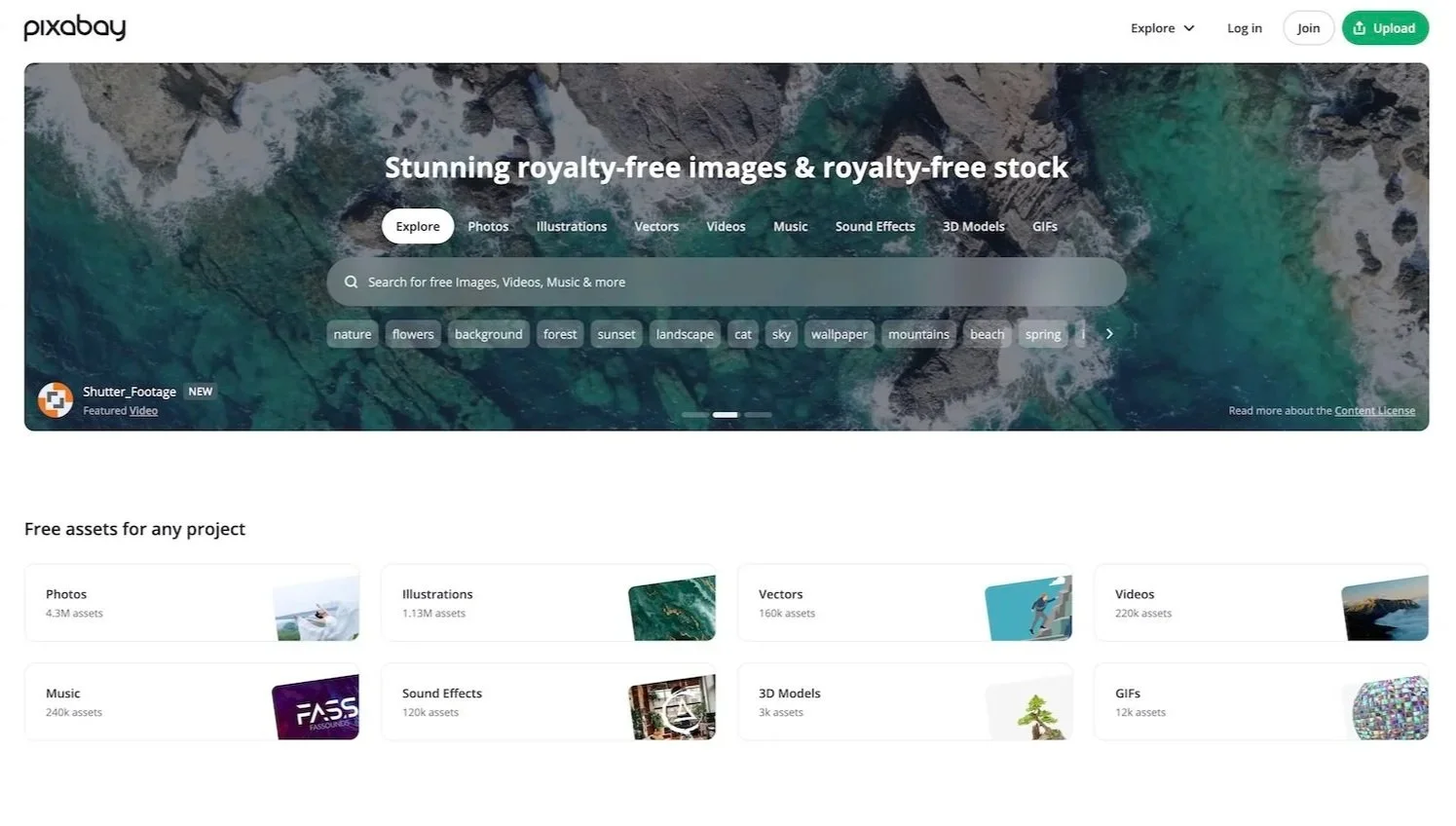
As well as free stock photos, Pixabay offers illustrations, videos, gifs, music and more. Like the others, you can save images to collections, download a range of sizes, and view related free images below. You can also easily edit images in Canva with one click. Personally, though, I haven’t found the range of images to be as good as those on Pexels, which is my go-to option.
I have included some notes on pricing to give you an indication of what you can expect to pay for the various stock photo sites. All prices noted are from May 2026, when this post was written, so please be aware that these are of course subject to change.
The premium stock photo sites below offer a variety of payment plans, including subscription/membership models and credit packs. It is worth considering whether you will have an ongoing need for images, in which case the subscription-based models offer better value; if not, the credit packs are probably your best bet.
For most business owners, I would recommend a subscription if you are going to be writing regular blog posts, sending email campaigns, creating posts for social media, etc., as these all require images. It can take a surprising amount of time hunting for the right images, so a good quality stock photo site with powerful searching and browsing capabilities is really important and will save you a lot of time.
iStock
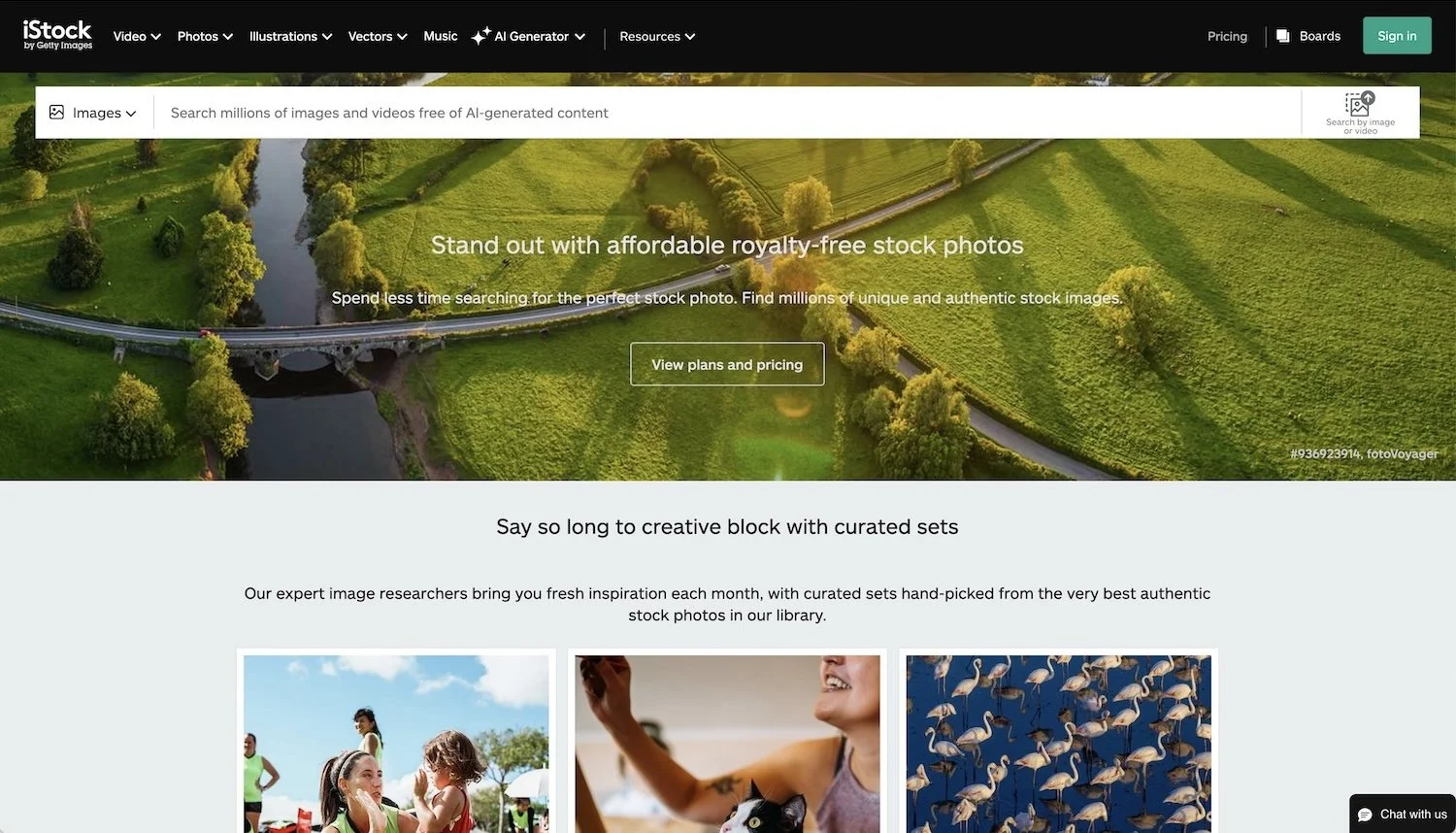
iStock has a huge range of high quality images, as well as videos, and is the site I would recommend first as your starting point. It offers some exclusive images that you won’t find anywhere else (their “signature” range, so you’re less likely to see the images you choose pop-up on other websites) and all images are free of AI-generated content. When you find an image you like, you can save it to a collection (called a “Board”) and can also download a small version of the image with a watermark. This is really helpful and allows you to try it out on your website before you buy it. The options for discovering other similar images are very good: you can browse “photos from the same series” as well as “similar images” and their photo matching is excellent; you can also browse related keywords and categories. This all makes it much easier to find a cohesive set of photos for your website.
You can opt for annual or monthly subscriptions which give you a certain number of downloads per month. For example: £30 per month on their annual Premium plan gets you 10 image downloads per month, including their “signature” range, as well as image customisation; £49 per month gets you 25 image downloads.
Alternatively, you can buy credit packs as a one-off which never expire so you can use them whenever you want/need. There are lots of different sized packs to choose from, including 6 credits/images for £35 or 12 for £69.
You can also purchase individual images, although this is the most expensive way to do it.
The subscriptions are better value per image, if you have a need for regular images, and you can rollover your unused downloads to the next month.
Adobe Stock
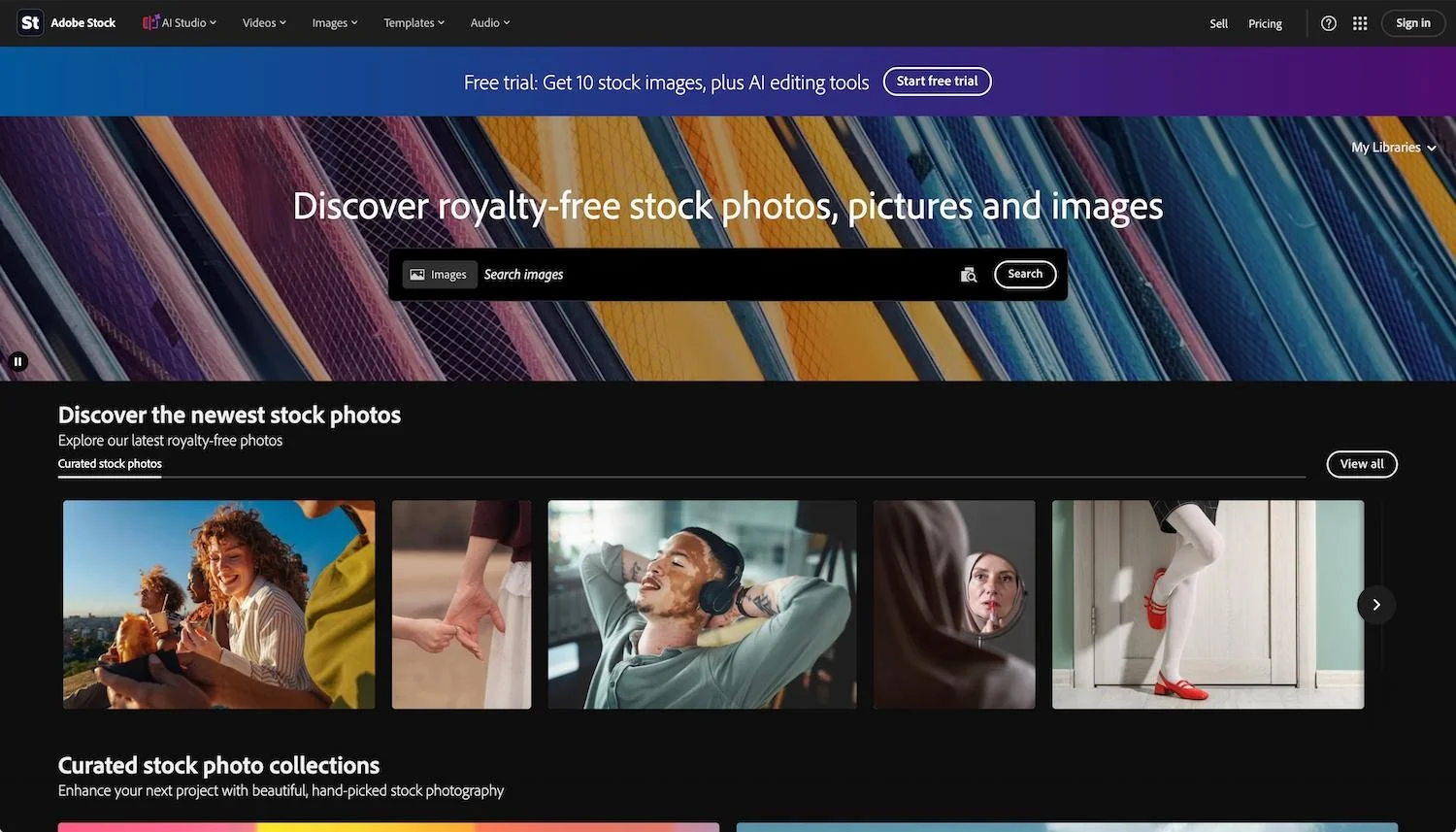
Adobe Stock offers over 900 million stock photos and videos. They also offer “AI Studio” which allows you to edit the images before you license them, to extend the size of them, change the mood or the colour, change the background, or even animate them. When searching, there are detailed filters you can use to refine your search, and you can browse “more from this series” as well as “similar images” and keywords. You can also download a preview of the image to try it out on your website.
Free trial available with 10 images so you can try it out before committing.
You can opt for annual or monthly subscriptions, which give you a certain number of downloads per month. For example £31.99 per month on their annual plan gets you 10 credits/images per month, as well as access to their AI Studio or £72.99 per month gets you 40 credits/images per month. If you opt to pay monthly, the prices are higher, but you don’t have any commitment.
Alternatively, you can buy credit packs which last for one year from purchase. There are lots of different sizes to choose from, including 5 images for £29.95, 16 images for £79.99 or 40 for £180.
Shutterstock
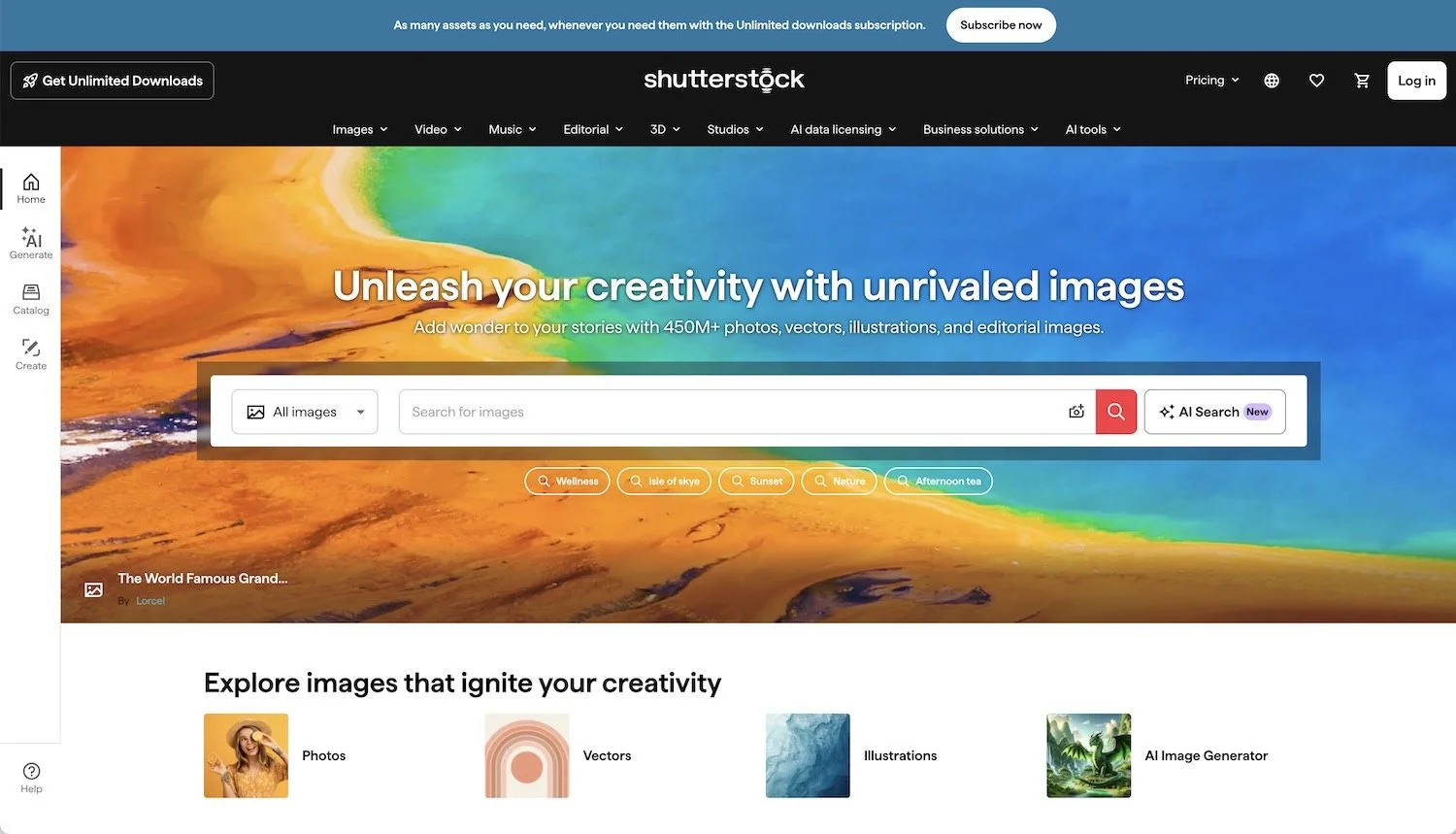
Shutterstock have a library of over 450 million images and also offer videos and music. When searching, there are detailed filters you can use to refine your search, and you can browse “similar images”, “recommended for you”, “same model” and “more from this artist”, as well as browsable keywords. You can also save images you are interested in to a collection and download a preview of the image to try it out on your website.
Like the others, Shutterstock offer annual or monthly subscriptions, with different numbers of downloads per month. For example, £17 per month gets you 10 image downloads per month, or £49 per month gets you unlimited downloads per month, plus some AI image generation credits. You can’t rollover any unused downloads, though.
You can also choose packs of images (1, 2, 5 or 25), which last for one year from purchase. 5 images cost £35 and 25 images cost £155.
Moyo Studio*
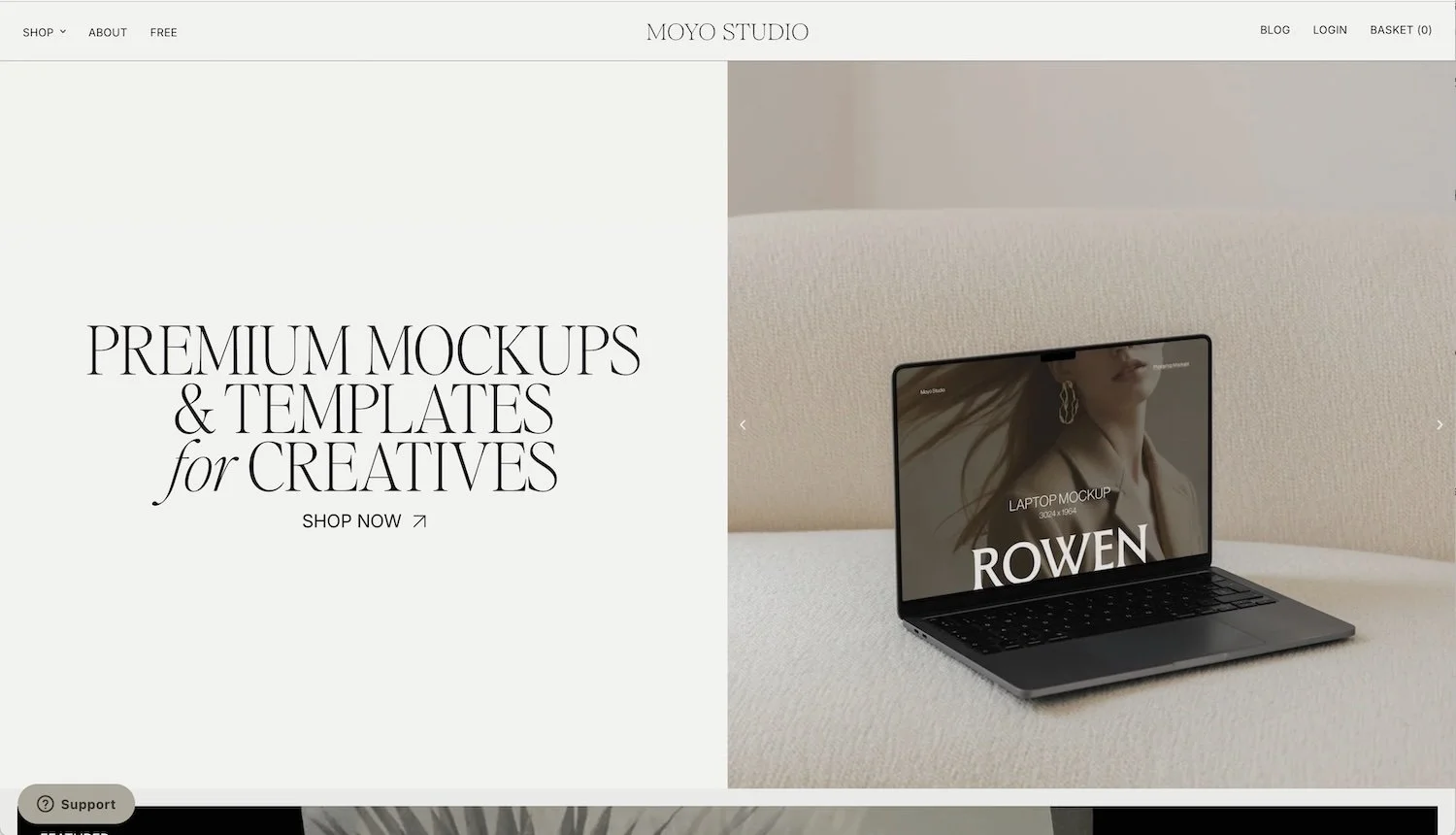
Moyo Studio is very different to the general sites listed above. They offer beautifully styled mock-ups and templates and are perfect for designers and those who sell digital products. Mock-ups are sold as bundles (typically around the $59 mark), and you can buy any 3 bundles for the price of 2, making them very affordable. They have mock-ups for devices, packaging, stationery, tote bags, artwork, social media and cosmetics.
You can get 15% off your first order with coupon code ZOEPOWERDESIGN. Please note this isn’t valid for special bundles that are already discounted.
Styled Stock Society*
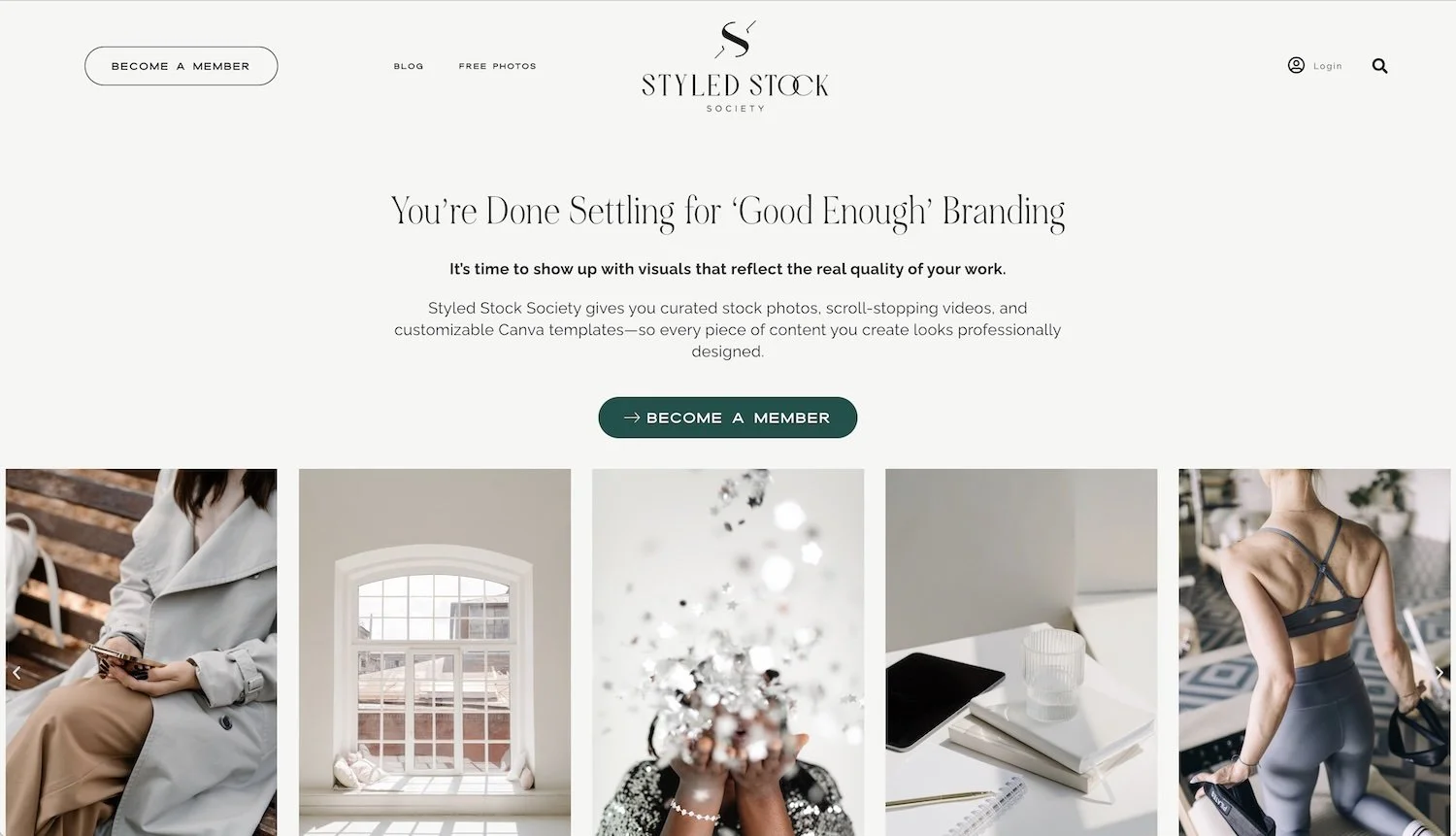
Styled Stock Society is a membership-only stock photo site aimed at female entrepreneurs and women-led brands. It includes 12,000+ photos and videos, as well as 3,000+ marketing templates for Canva, and new resources are added every week. They have a gorgeous range of images, including lots of light and airy shots with a natural or minimal feel. They have a beautifully curated range of collections, and you can preview some of their collections* before you decide to join their membership (everything else is locked away until you login).
They are currently offering a one-time access fee of $97 as the membership library is sadly closing on 18 January 2027. You can make unlimited downloads before that date, and will continue to have lifetime access to the assets you’ve downloaded. They also offer a Designer Pass at $197 if you want to use images on client projects, and a Resale Pass at $397 if you want to design products for resale using their images.
Elevae Visuals
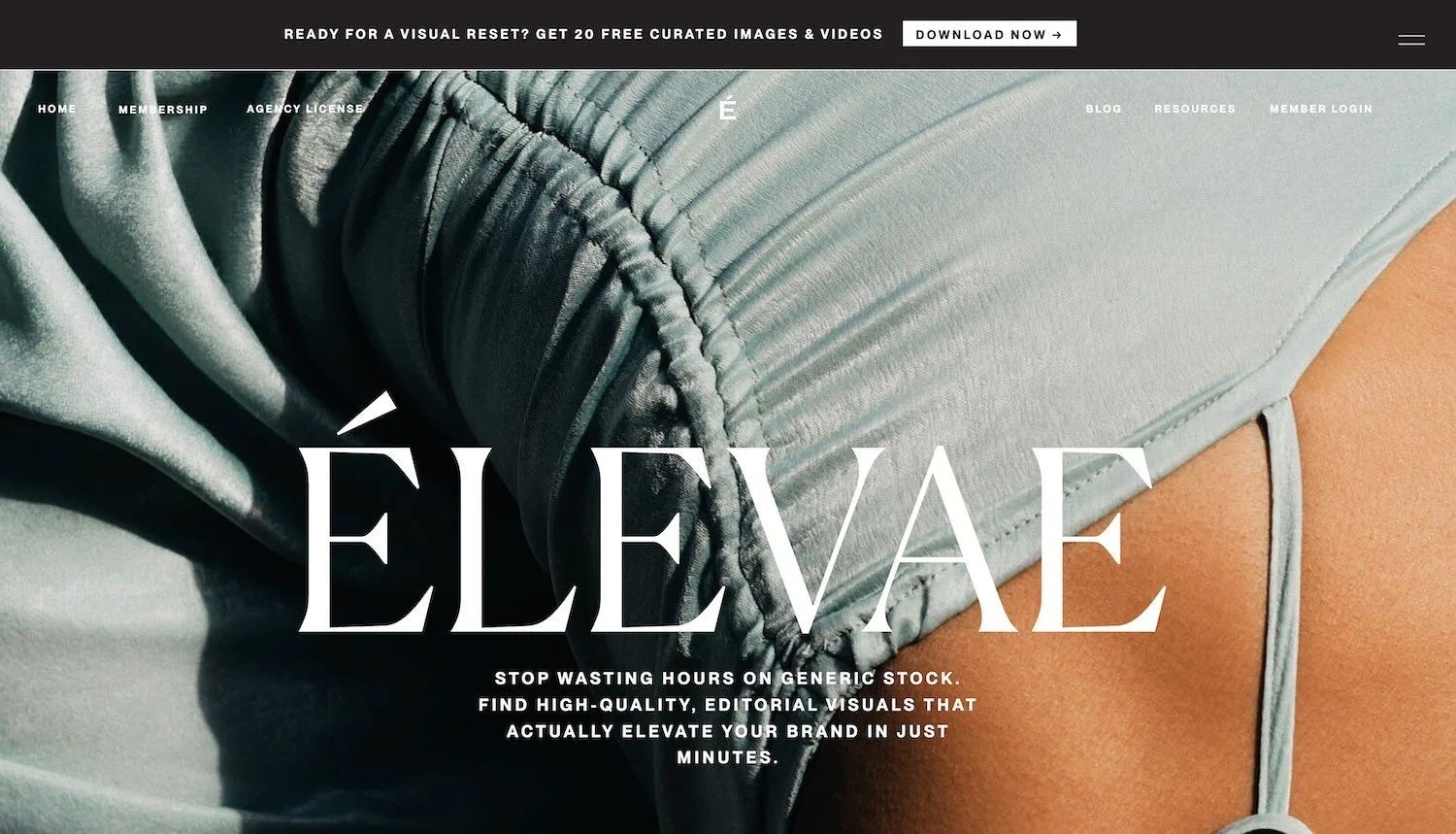
Elevae Visuals is another membership-only stock photo site for female entrepreneurs, offering 10,000+ photos and videos. They describe their visuals as editorial and cinematic and provide pre-curated collections as well as the ability to create personalised galleries with searches that match your brand’s colours, tone and vibe. If you find an image you love, you can also see “more like this”. There is no way to preview any of their collection, but they do offer a no-questions-asked refund within 14 days if you’re not happy.
They offer quarterly and annual subscriptions, plus a separate license for designers and agencies. The annual subscription is $499 and includes unlimited downloads.
Haute Stock*
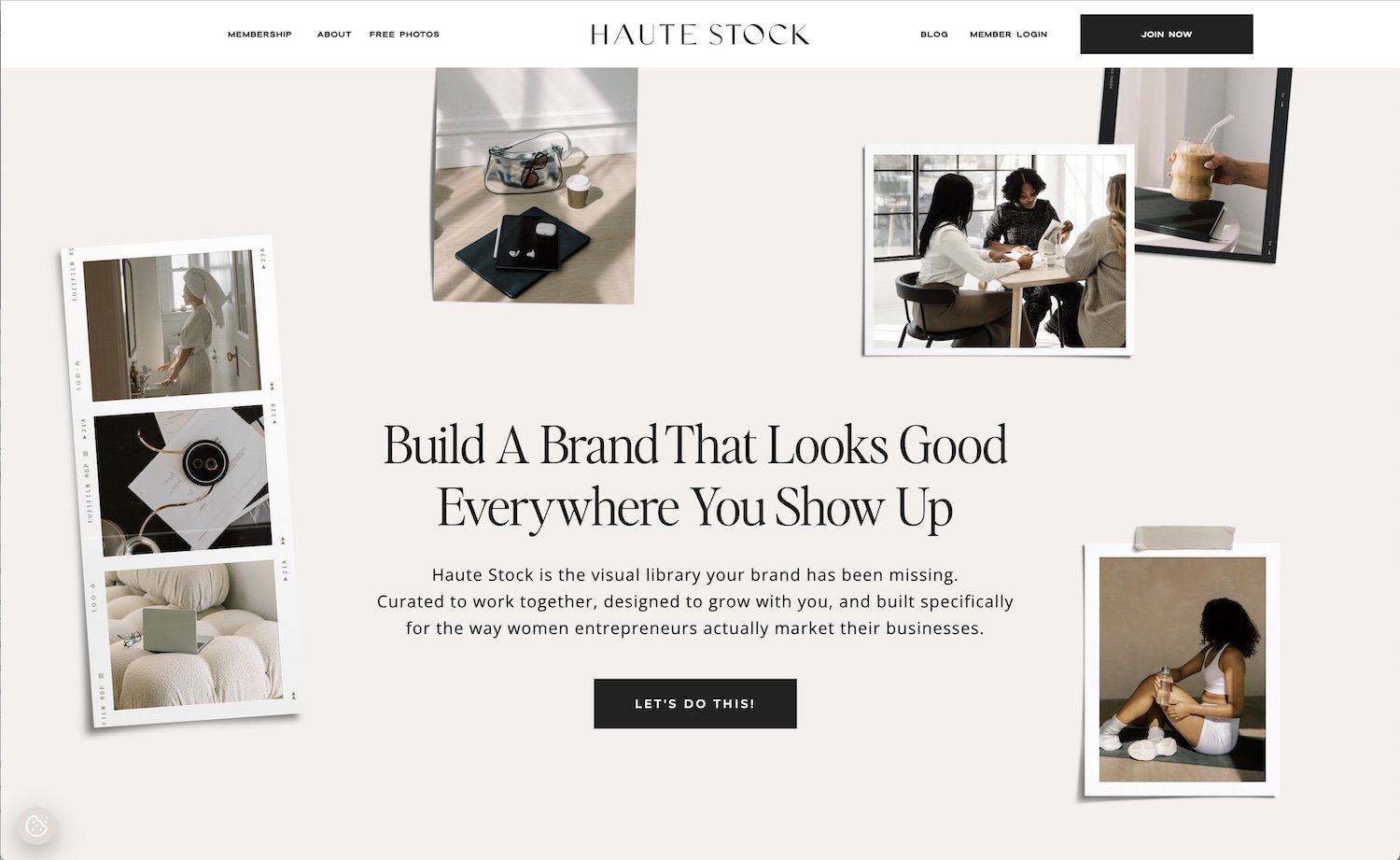
Haute Stock is another membership-only stock photo site for solopreneurs, agencies and creatives and has been going since 2015. Their visuals have an editorial high-end feel and their collection is curated based on what their members are searching for, downloading and asking about, as well as what’s trending in visual branding. Images are high-quality, clean and stylish.
They offer stock photos, videos and canva templates, as well as content marketing guides and content prompts to help you create your content. They also offer a free “Couture Curation” service for members, where they will hand-pick 100+ images based on your brand colours, vibe and ideal audience. A recent update is a new Recolour Tool that allows you to change the colours within an image in a couple of clicks to better match your brand - it’s very impressive!
They offer quarterly and annual subscriptions, as well as an agency plan. Their annual subscription costs $499 and includes unlimited downloads.
You can get 15% off your subscription with my affiliate code zoepowerdesign
Once you have selected and downloaded your stock photos, there are some tricks you can use to make them feel more consistent and cohesive.
Edit all photos so they have similar colour tones, saturation and brightness (especially try and match how warm or cool they are, otherwise they will clash horribly).
You might want to crop some images, or use AI tools to remove distracting elements in the background, or remove the background altogether. With Adobe’s AI Studio you can do all this, plus extend the image if you need it in a different format/aspect ratio.
Don’t forget to resize all images and rename them before you upload them to your website, otherwise they could slow your website down and you could be penalised by search engines. See my post on How to prepare and resize images for your Squarespace website for more information on how to do this.
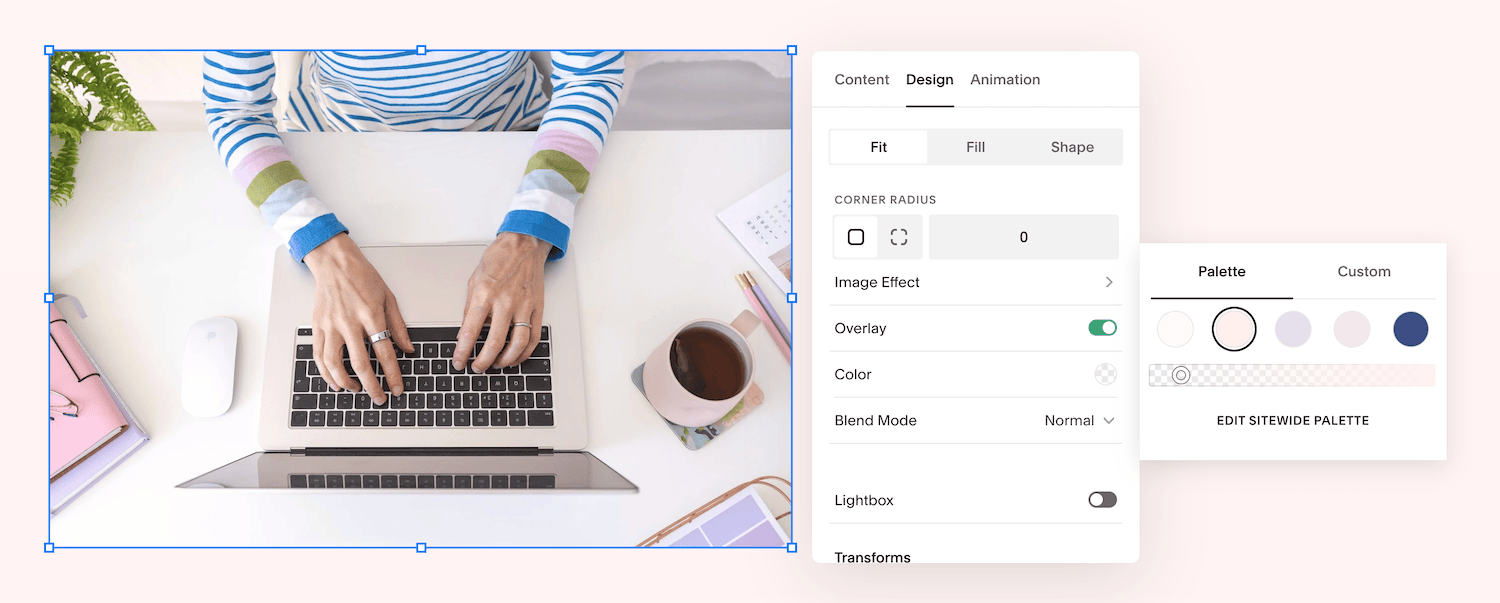
Try using subtle colour overlays over your images using your brand colours. You can do this in Squarespace - select the image on your page and click the pencil icon to edit it. Go to the Design tab, toggle on the “overlay” option and choose one of your palette colours and then play with the opacity slider to decide how strong you want the colour overlay to be. Usually you want to be quite subtle with this, otherwise it can be hard to see the image. This can also be a good way to brighten images, if you choose your lightest colour. Aim for consistency across all your images - this is a way to draw them all together.
Save this post to Pinterest ↓